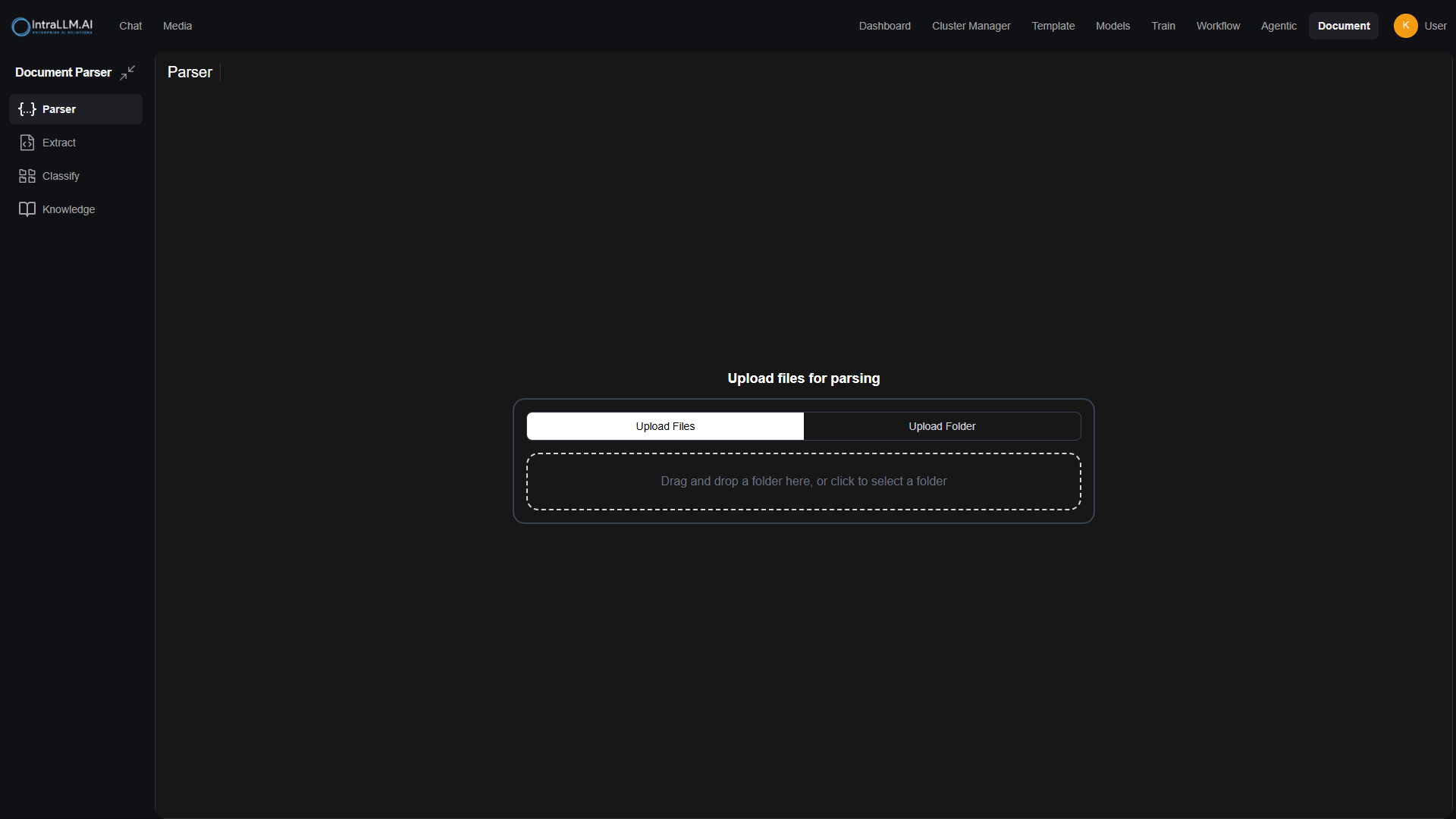
Documents
The Documents page controls how files are ingested, processed, stored, and retrieved within IntraLLM. These settings define the end-to-end behavior of document extraction and Retrieval-Augmented Generation (RAG) across the platform.
All configurations on this page apply at the system level and affect how documents are handled for knowledge bases, search, and context retrieval.
What This Page Covers
Document handling in IntraLLM is organised into two core areas:
Extraction
Extraction settings control how raw files are processed into structured text and metadata. This includes:
- Selecting the content extraction engine
- Handling images and OCR
- Splitting text into chunks
- Managing file formats and upload limits
These settings determine what content is extracted and how it is prepared for downstream processing.
RAG (Retrieval-Augmented Generation)
RAG settings control how extracted content is embedded, indexed, retrieved, and injected into model responses. This includes:
- Embedding model selection
- Retrieval strategy and search mode
- Context size and ranking behavior
- RAG prompt templates and citation rules
These settings determine how documents are retrieved and used to answer user queries.
Document Lifecycle Overview
At a high level, documents follow this lifecycle:
- Files are uploaded or connected from external sources
- Content is extracted and optionally OCR-processed
- Text is split into chunks
- Chunks are embedded and stored in vector storage
- Relevant content is retrieved at query time
- Retrieved context is injected into model responses via RAG
Each step is configurable through the Extraction and RAG sections.
File & Integration Support
The Documents page also defines:
- Allowed file extensions and upload limits
- Image compression behavior for documents
- External storage integrations (e.g. Google Drive, OneDrive)
Maintenance & Recovery
Administrative actions are available to:
- Reset uploaded document storage
- Reset or reindex vector databases
- Rebuild knowledge base embeddings after configuration changes
These actions should be used with caution, especially in production environments.
Important Notes
- Changing embedding models requires re-importing all documents
- Reset actions may permanently remove data
- Large document collections may take time to reindex
Use the Extraction section to control how documents are processed, and the RAG section to control how extracted knowledge is retrieved and used in responses.