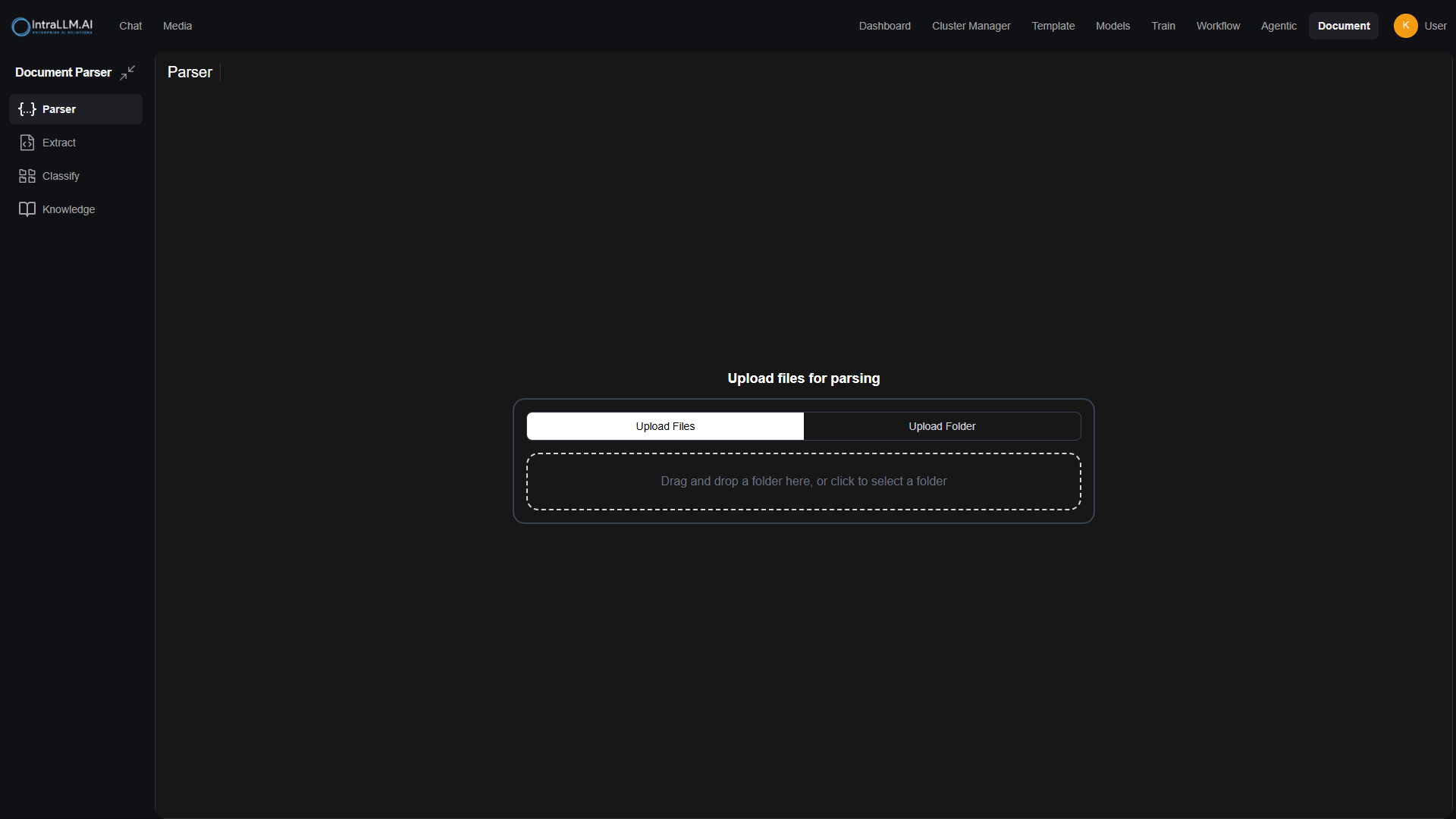
The Document Parser (module rail → Document → Parser) turns raw files — PDFs, Office documents, scans, images — into structured content that every other document feature (Extraction, Classification, Knowledge, chat) can use.
What parsing does
- Reads each file's content — text layers, tables and layouts where present.
- Applies OCR to image-based content (scans, photos, screenshots) so text becomes searchable.
- Preserves structure signals — headings, sections and tables — so meaning survives conversion.
- Produces structured output you can preview, download, or push into extraction/classification pipelines and knowledge bases.
The Document workspace
The Document module shares one workspace across its sections:
- Parser — upload and parse documents.
- Extract — pull defined fields from parsed documents. See Data Extraction.
- Classify — categorise documents against your labels. See Document Classification.
- Knowledge — knowledge bases for grounded answers. See Knowledge Bases & RAG.
- History — previous processing cases and their outputs. See Document History.
Parse documents
Upload
Drag files or folders into the parser, or use the upload control. Multiple files and folder trees are accepted; processing runs per document.
Configure (where available)
Depending on your deployment, parser settings (such as the extraction method and language for OCR) can be adjusted from the parser settings control. Your administrator configures which engines are available. See Documents (Admin).
Run and review
Start processing. Review the structured result per document — text, tables, and detected layout — before using it downstream.
Use the output
Send results to a knowledge base, continue to extraction/classification, or download the structured output for external use.
Supported content
| Type | Notes |
|---|---|
| PDF (text-based) | Highest fidelity; structure preserved. |
| PDF (scanned) | Requires OCR; quality depends on scan quality. |
| Images with text | Screenshots, photos; OCR applies. |
| Office/word-processor documents | Text and tables extracted where present. |
| Plain text/Markdown | Pass-through with light structuring. |
| Handwriting | Best-effort with supported engines. |
Quality tips
- Prefer original digital files over re-scans.
- One document per file — merged mega-PDFs parse worse.
- Validate a sample before batch-importing thousands of pages into a knowledge base.
- If results lack tables or structure, ask your admin whether a different extraction engine can be enabled.
When to use the Parser vs chat attachments
- Chat attachment — one-off questions on one or two files, now.
- Document Parser / Knowledge — repeat queries across a document set; parsed once, reused by everyone, with access control. See Knowledge Bases & RAG.